Digital College Notes
Learn More Structured with
Polaris
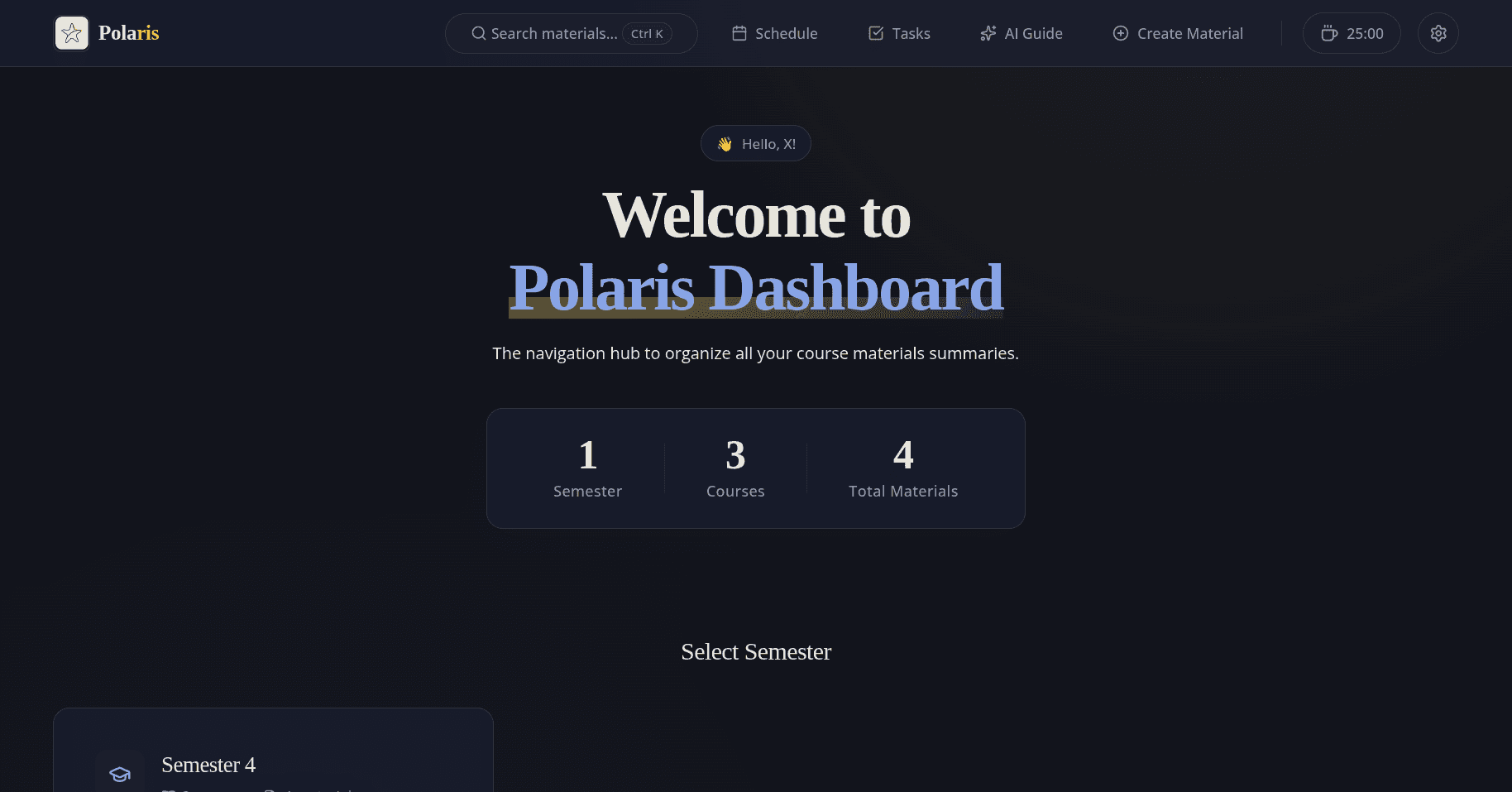
Navigation center to organize all material summaries from various semesters so they are easy to find and review. Equipped with task management and class schedule.
Core Features
Three steps, one goal.
From writing the first note to finding it again right before the exam starts.
01
Write & Summarize
The first step: turning material into notes that are actually pleasant to revisit.
Centralized Summaries
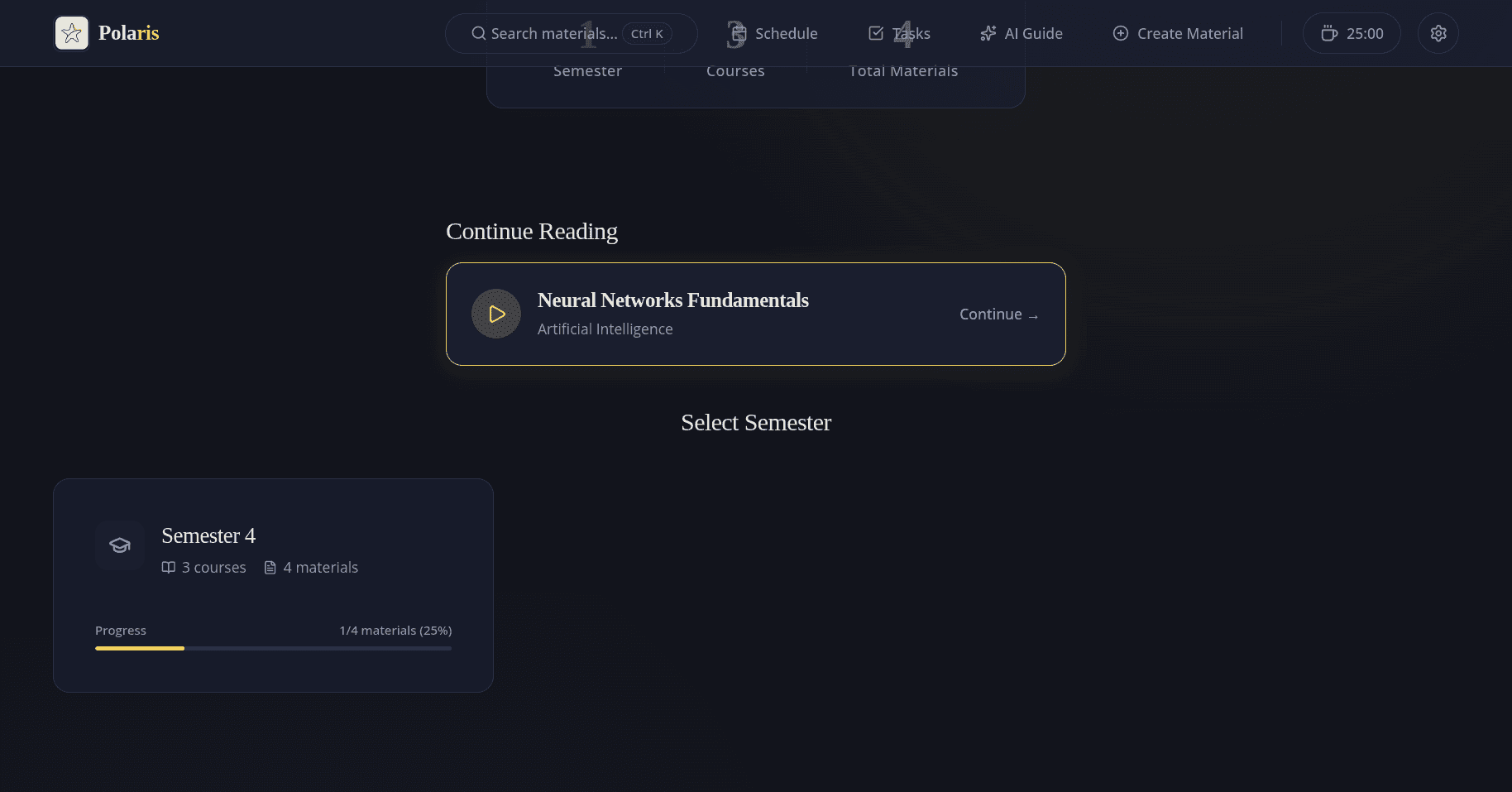
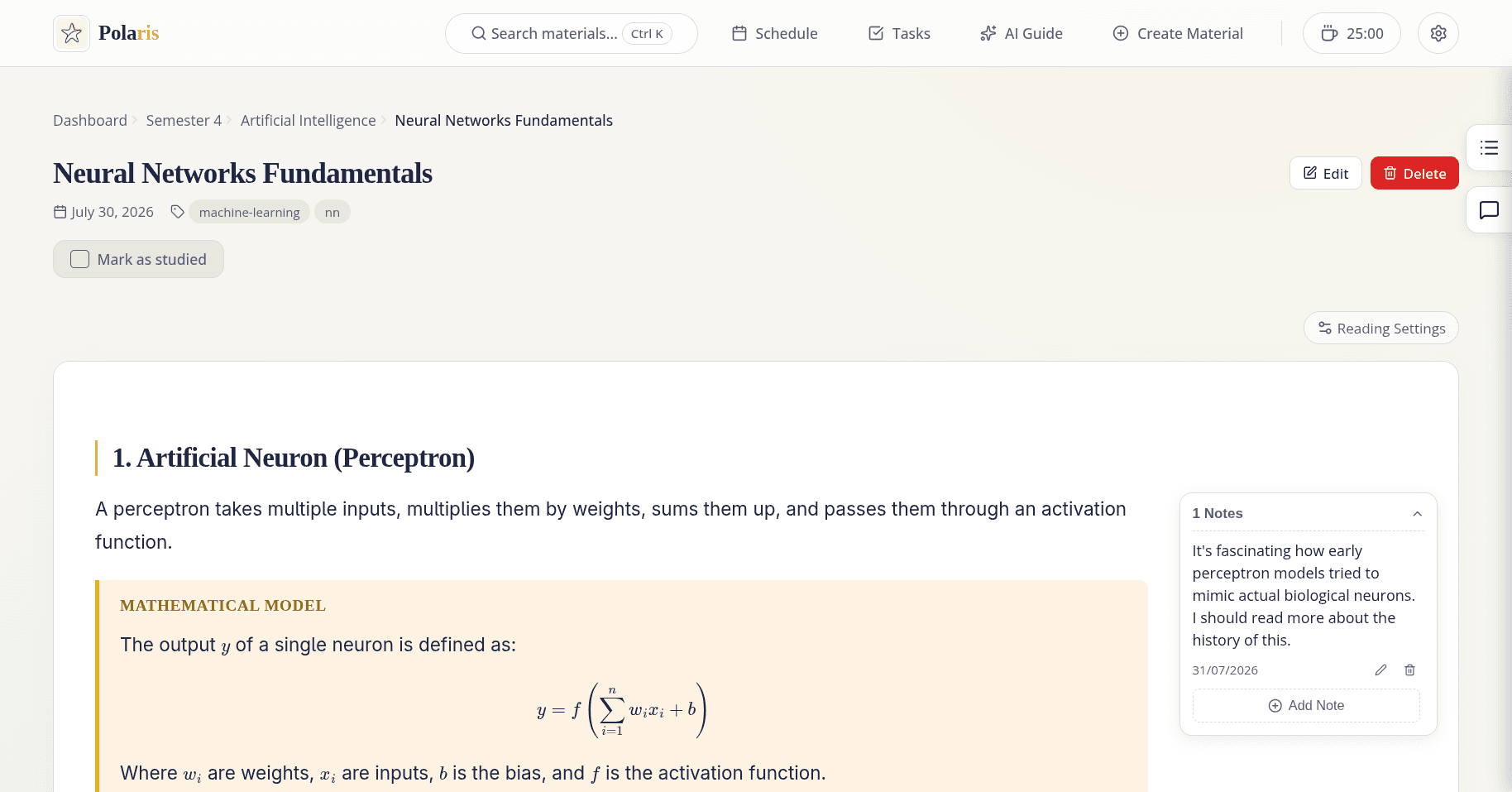
Store all lecture materials neatly by semester and course.
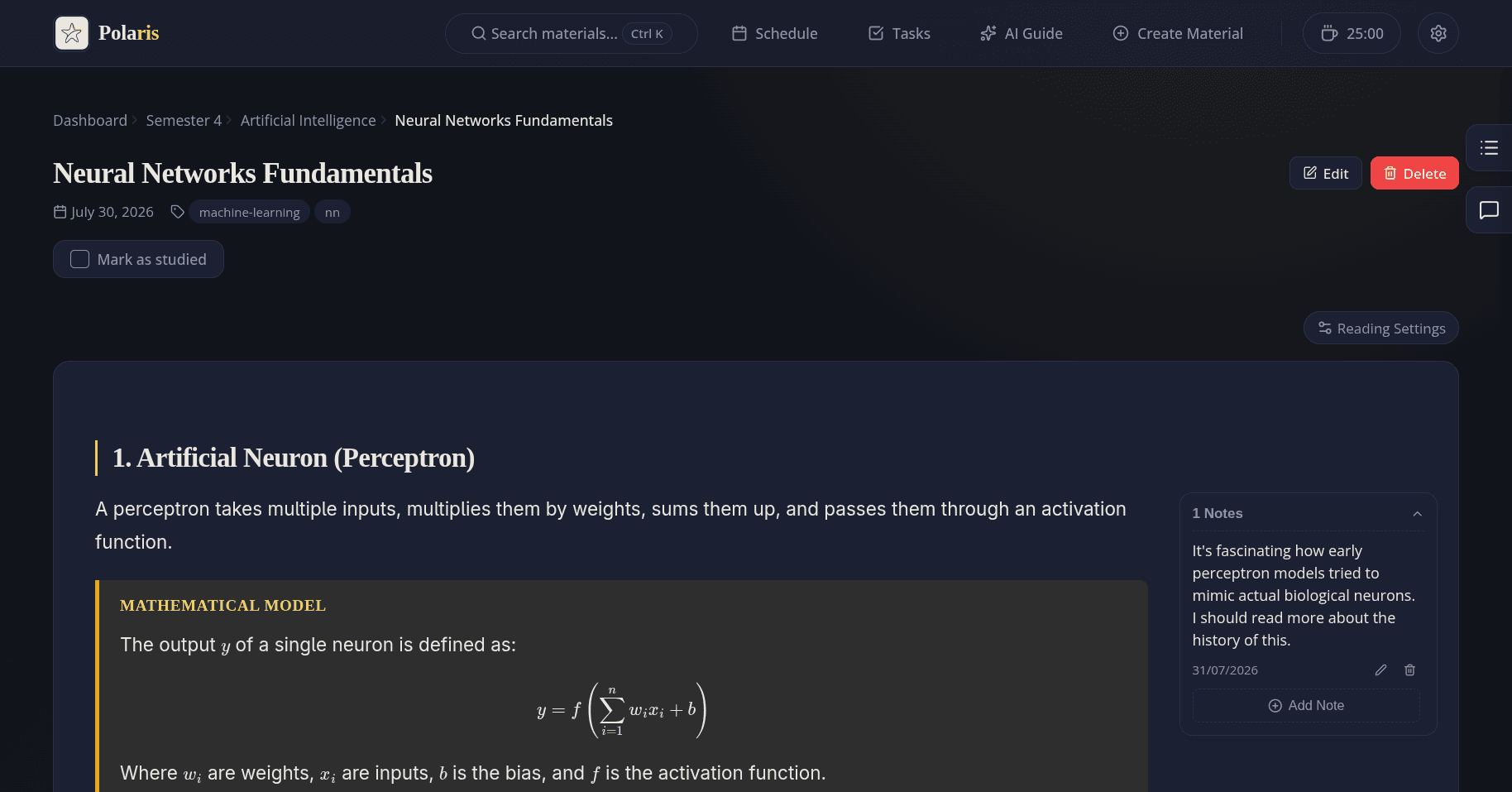
Markdown, HTML, Sandbox & LaTeX
Write materials in Markdown or HTML. Interactive Sandbox feature is available for JavaScript execution along with full support for mathematical formulas using LaTeX.
Margin Notes
Add personal notes to every paragraph of material and adjust text size while reading.
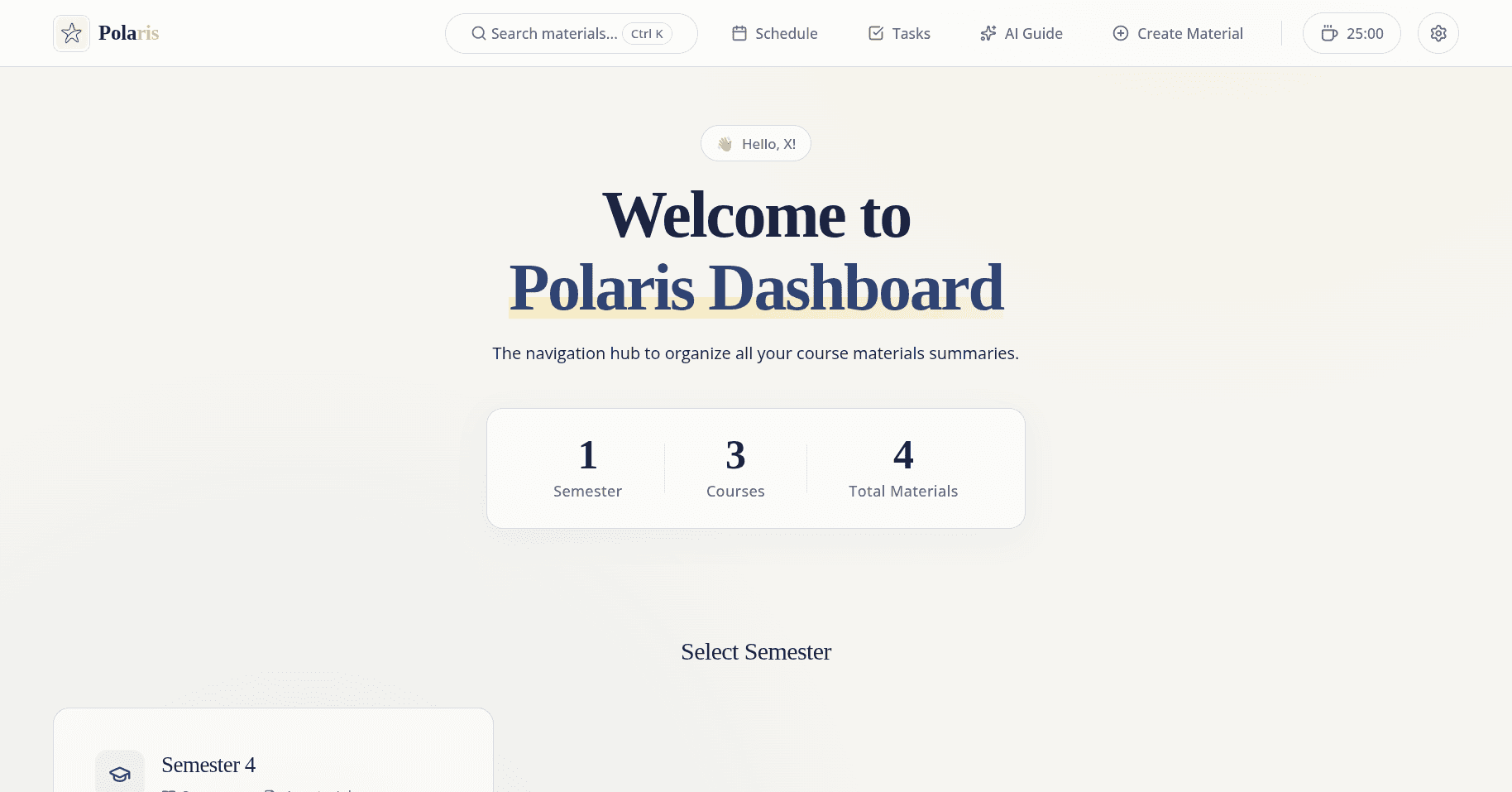
Dark Mode
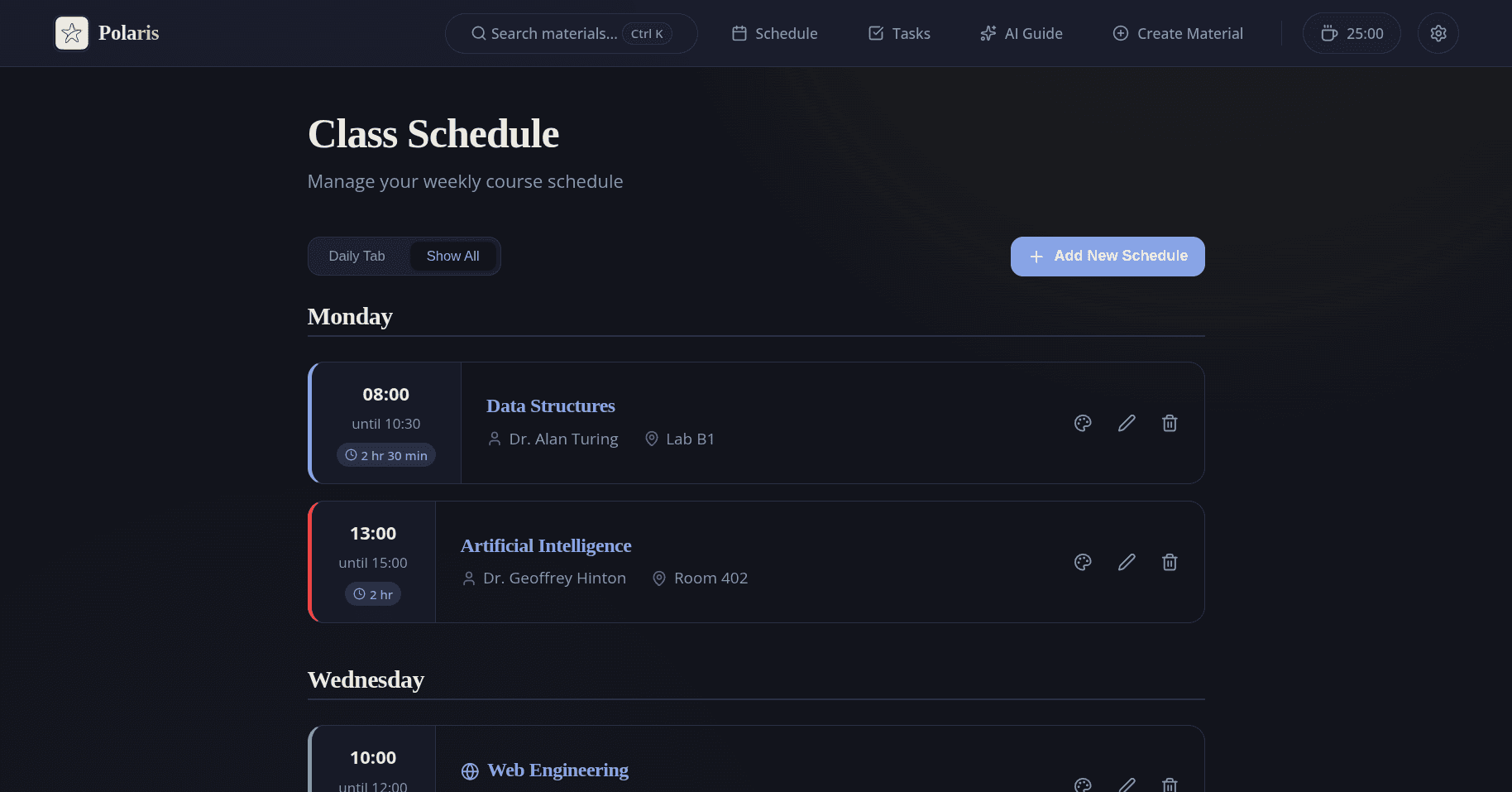
Comfortable studying at night with an instant switch to an elegant dark theme.
02
Set the Rhythm
Keeping the pace steady — from task deadlines to your own study hours.
Task Management
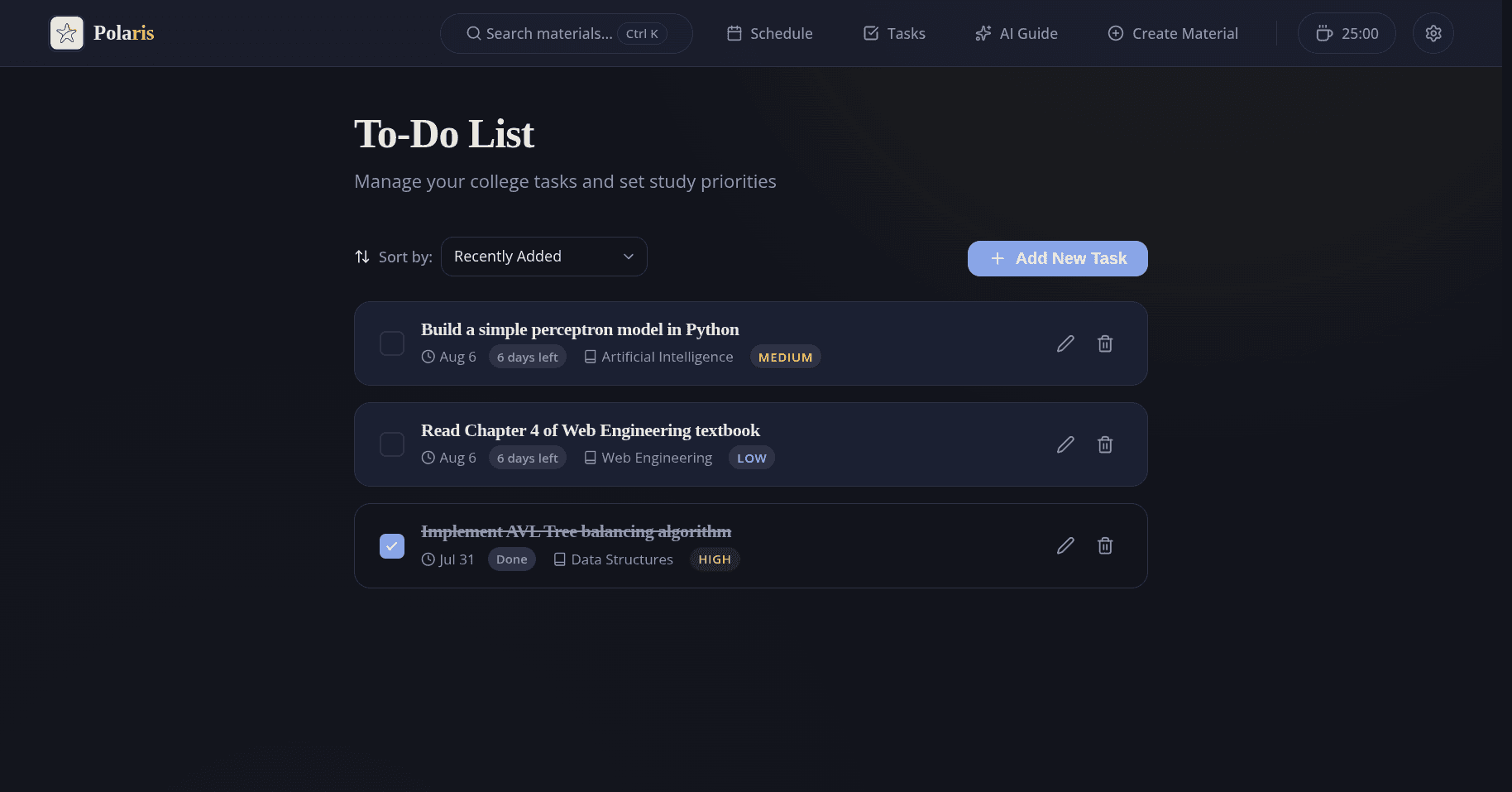
Track every college task based on priority and deadline so nothing is missed.
Interactive Schedule
Manage your daily class schedule with an interactive table interface and customizable colors.
Pomodoro Timer
Improve your study focus with an integrated Pomodoro timer in the navigation.
Progress Tracking
Monitor how far you've studied with visual progress indicators for every course.
03
Find It Again
Instant access: everything you've written, easy to find again.
Instant Search ⌘K
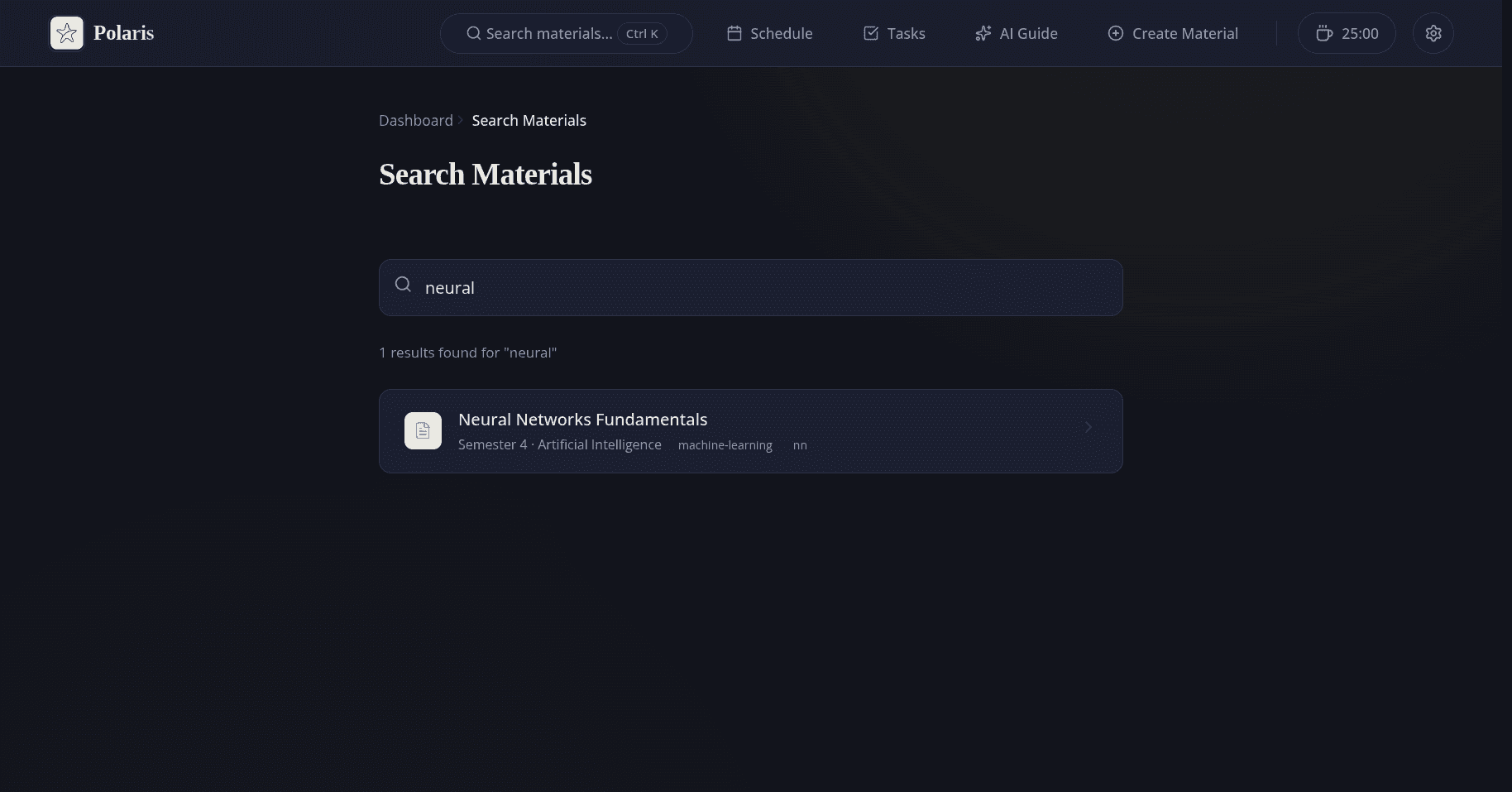
Quickly find materials, schedules, or tasks from anywhere in the app.
Cloud Sync
Your data is safely stored in the database. Log in from any device with automatic synchronization.
FAQ